This workflow builds a full, open‑source lip‑dub pipeline around LTX 2.3 and Chatterbox voice conversion. You provide a "driving" video of a person speaking, plus the dialogue you want them to say. LoadVideo ingests your clip, and GetVideoComponents extracts frames, FPS, and the original audio. Your typed dialogue flows from a PrimitiveStringMultiline prompt through RegexReplace to clean punctuation and spacing, then into the LTX 2.3 Lipdub node (the custom node with ID 1e1eaad5-a949-4d3e-9a68-694e64a936a0). That node applies a Lipdub LoRA finetune to LTX 2.3 to retime mouth shapes to your script while preserving the subject’s identity, head motion, and scene context.
For audio, the same dialogue drives a temporary dub track that’s then passed to FL_ChatterboxVC. Using the original video’s audio (from GetVideoComponents) as a voice reference, Chatterbox VC re-voices the dub so it matches the speaker’s timbre and vocal traits. Finally, CreateVideo assembles the edited frames and cloned audio at the source FPS, and SaveVideo writes the final lip‑synced render. Note the dimension rule from the MarkdownNote: set input width × height to half your intended final size (for example, 960×544 in gives ~1920×1088 out).
Frequently Asked Questions
This workflow expects input width × height to be half of your desired output, as noted in the MarkdownNote. For example, 960×544 in will render about 1920×1088 out. Halve your target resolution when setting inputs.
FL_ChatterboxVC uses the original video’s audio (from GetVideoComponents) as a voice reference. It converts the generated dub audio to match the target speaker’s timbre and style, so the lips match your script while the voice still sounds like the on-screen person.
Start with the text: add or remove brief pauses via punctuation (commas/periods), keep sentences concise, and avoid long, run-on phrases. Ensure the CreateVideo FPS matches the source FPS. Clear, front-facing footage with unobstructed lips also improves alignment.
Use short to medium clips with stable lighting and a sharp view of the mouth. For the Chatterbox reference, cleaner speech (minimal music/noise) helps the conversion. If the original track is noisy, trim a clean segment for reference or apply light noise reduction upstream.
Seedance 2.0: Reference to Video


Z-Image-Turbo Text to Image

Grok: Image Edit

Grok: Video generation
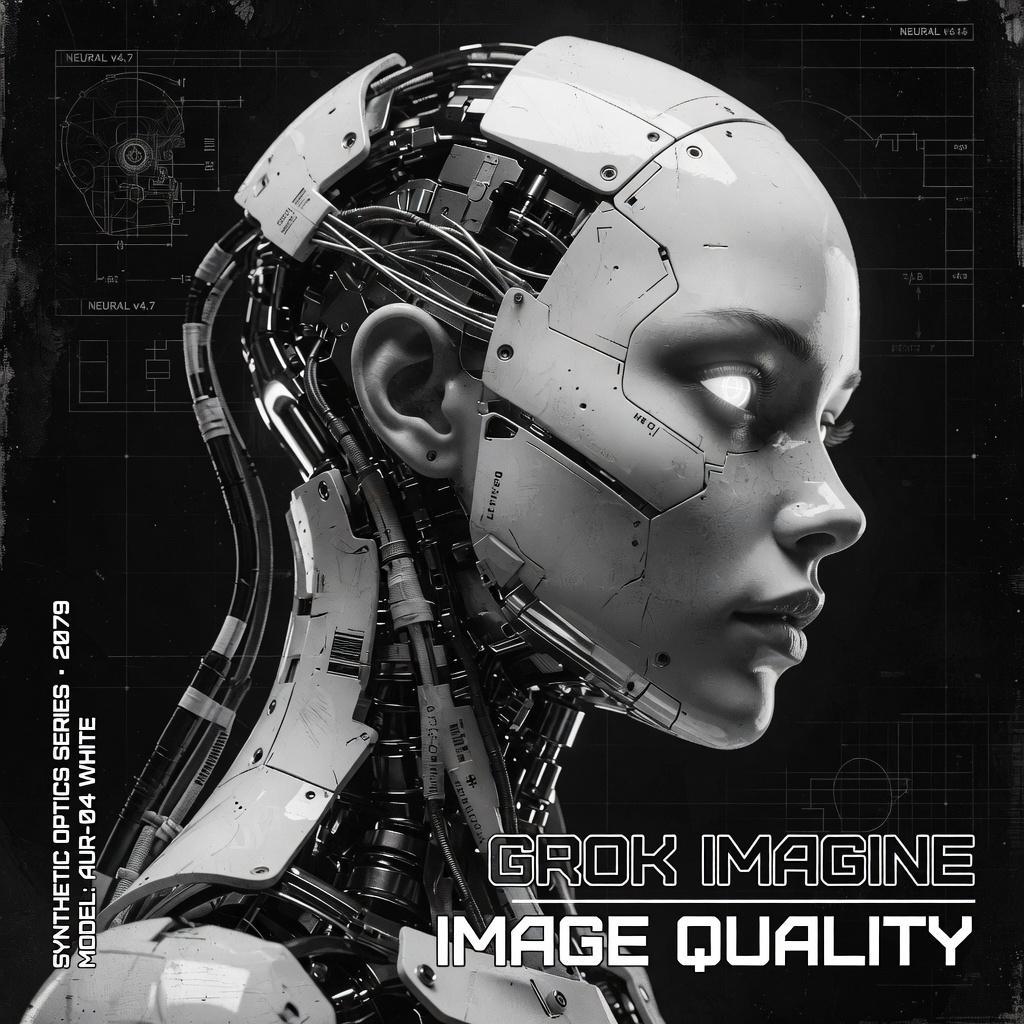
Grok Imagine Image Quality: Generation
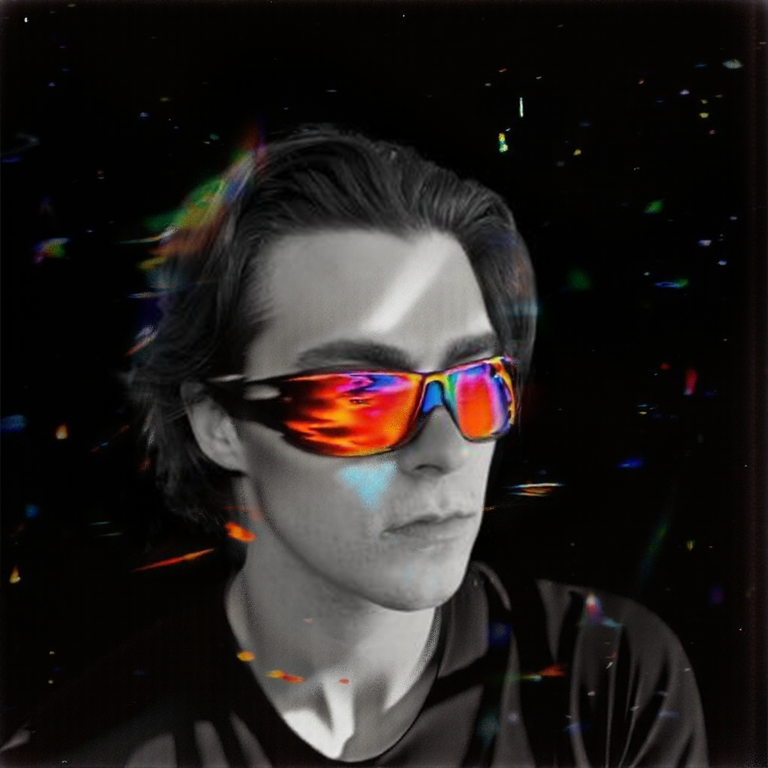
SCAIL-2: Character Replacement
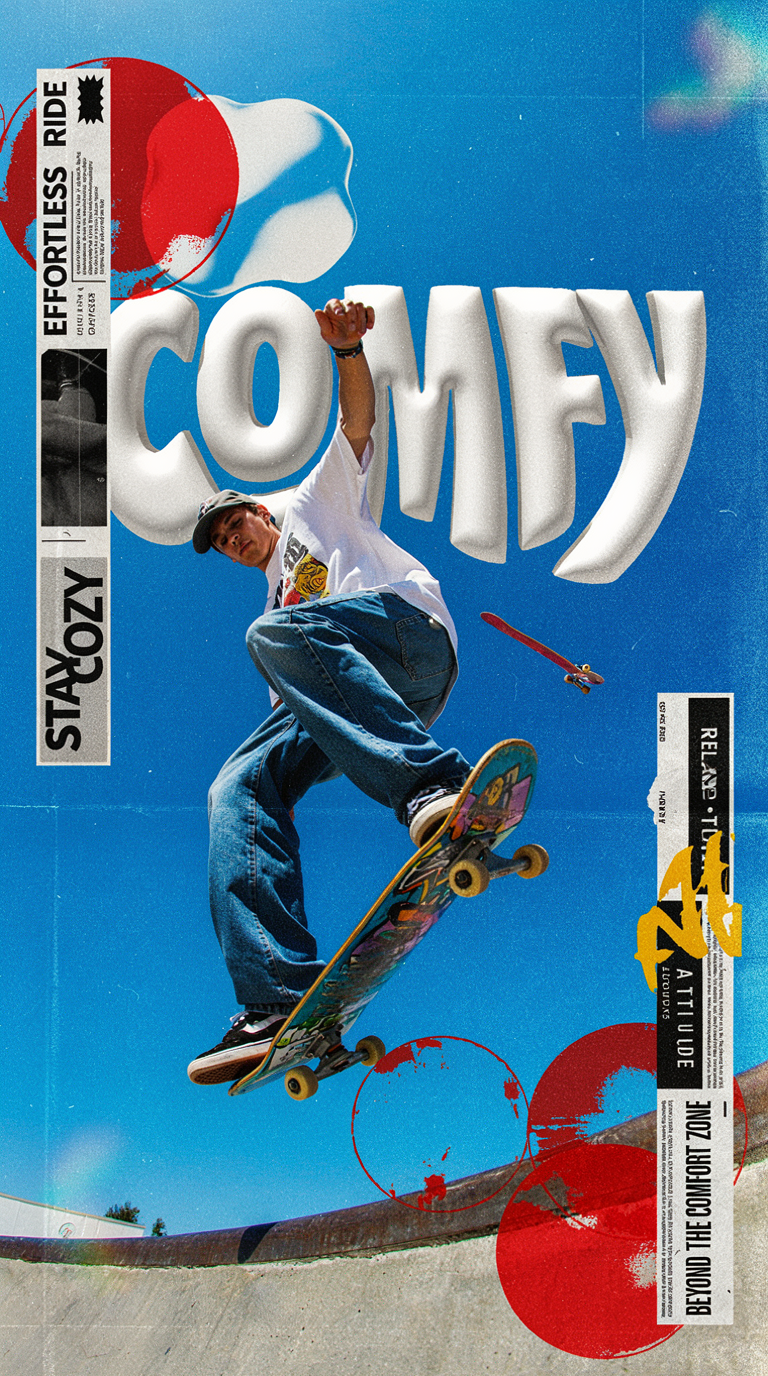
Ideogram v4: Text to Image
Googly Eyes

Seedance 2.0 - Viral Videos Character Swap

Nano Banana 2: Image Edit

cinematic_annotate_video

Beeble SwitchX: Video Edit
3x3 Contact Sheet

Restore Archival Footage - LTX 2.3 Dearchive LoRA
Remove Object from Video - LTX 2.3 Obscura Remova LoRA
Stylize Video - Frame by Frame - Flux.2 Klein 4b


Seedream 5.0 Lite: Image Edit
Utility Video Upscale
1 image input Split Stack - Nano Banana 2 + Kling 3.0
SYSTMS ACTION: QWEN IMAGE EDIT 2511
Ideogram v4: Text to Image (API)
Krea 2 Moodboards