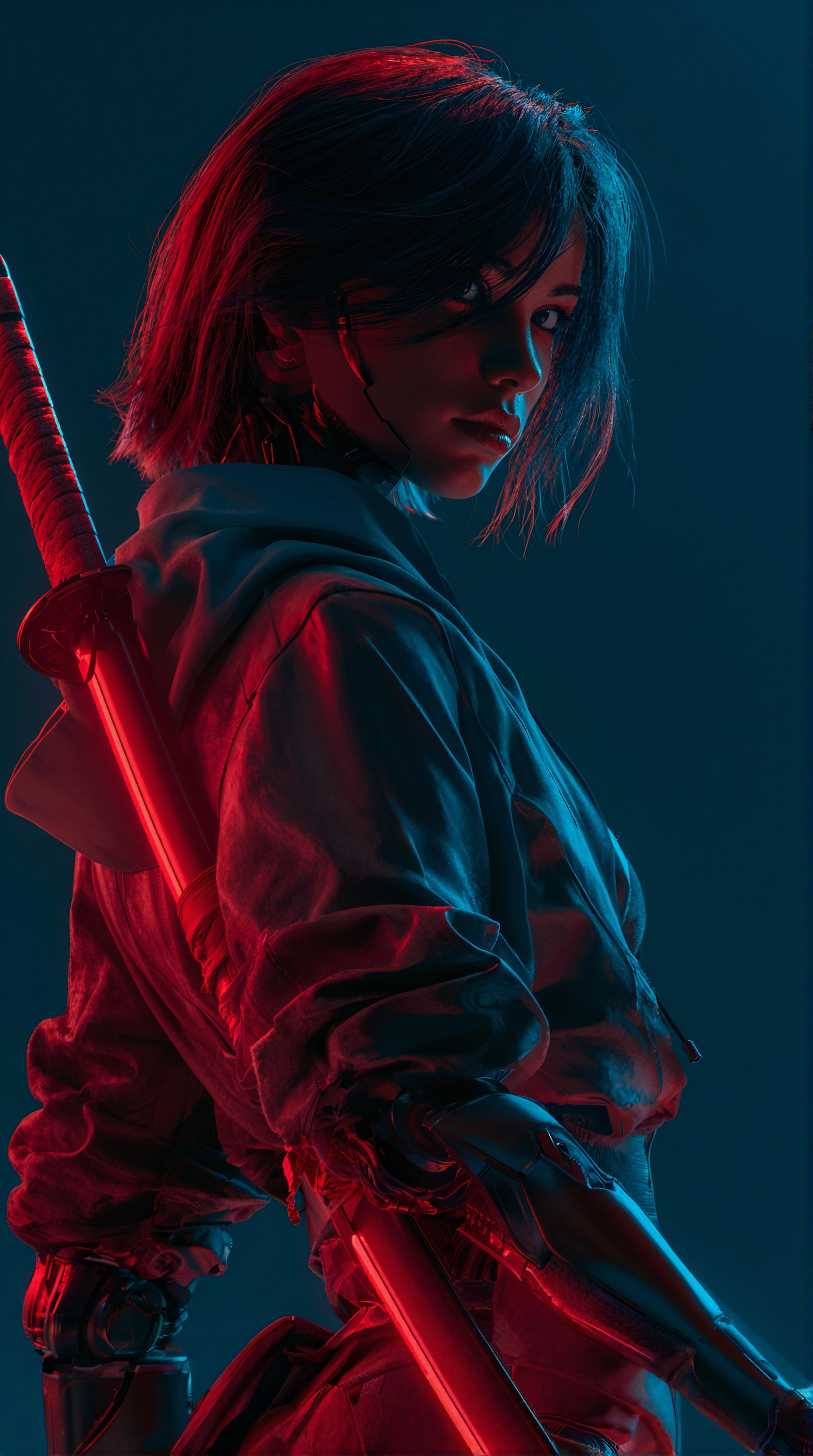
Seedance 2.0: Reference to Video turns a single reference image into a short cinematic video by combining a strong identity lock with prompt-driven motion and lighting. The LoadImage node supplies a clean, high-resolution reference frame, while ByteDance2ReferenceNode runs the Seedance 2.0 model to synthesize a sequence of frames that preserve the subject’s look and composition. You guide the scene using natural language—add camera cues (dolly-in, slow pan left), lighting notes (soft rim light, golden hour), and style hints (35mm, shallow depth of field) directly in the prompt.
Technically, ByteDance2ReferenceNode conditions Seedance 2.0 on both the reference image and your text prompt, then generates a video at the duration, resolution, and frame rate you specify. Key controls typically include reference adherence versus motion intensity (to balance identity preservation with expressiveness), guidance strength, negative prompts for artifact control, seed for reproducibility, and output timing (fps, seconds). The SaveVideo node then encodes the generated frames into a compact MP4 at your chosen fps and quality. This minimalist graph—LoadImage → ByteDance2ReferenceNode → SaveVideo—makes iteration fast: tweak a prompt or slider, queue again, and compare results side by side to quickly dial in the look you need.
While the workflow is optimized for visuals, you can time your motion to external audio by setting duration and beats per section to match your soundtrack. SaveVideo produces a silent video, so plan to add or replace audio in your editor after export. The result is a reliable identity-preserving image-to-video pipeline that responds well to clear prompts and produces cinematic movement without complex node graphs.
Frequently Asked Questions
Use a clean, high‑resolution image with the subject centered, minimal motion blur, and a background that matches your intended scene. Keep the aspect ratio close to your target output and avoid heavy filters that may conflict with the prompt.
Increase the reference adherence (or similar control) in ByteDance2ReferenceNode, reduce duration, and use a consistent aspect ratio. Keep prompts descriptive but not contradictory, and add a negative prompt to discourage unwanted style drift.
Use explicit language in the prompt: “slow dolly‑in,” “subtle pan left,” “tilt up,” “soft rim light,” “cinematic contrast,” “35mm, shallow depth of field.” If motion overwhelms identity, lower motion strength or raise reference adherence.
This workflow focuses on visuals. SaveVideo exports a silent MP4. To pair with music, set duration to match your track and add audio later in an editor. If your Seedance 2.0 endpoint exposes audio‑driven options, configure them in ByteDance2ReferenceNode (if available), but audio isn’t embedded by default.

Z-Image-Turbo Text to Image


Grok: Image Edit

Grok: Video generation
Grok Imagine Image Quality: Generation
LTX 2.3 - Lipdub LoRA + Voice Clone
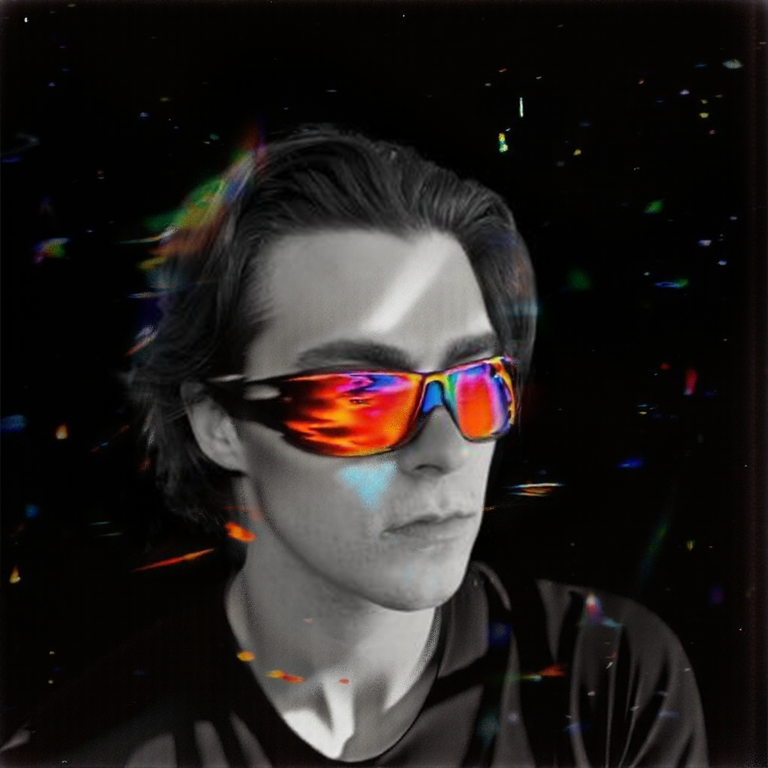
SCAIL-2: Character Replacement
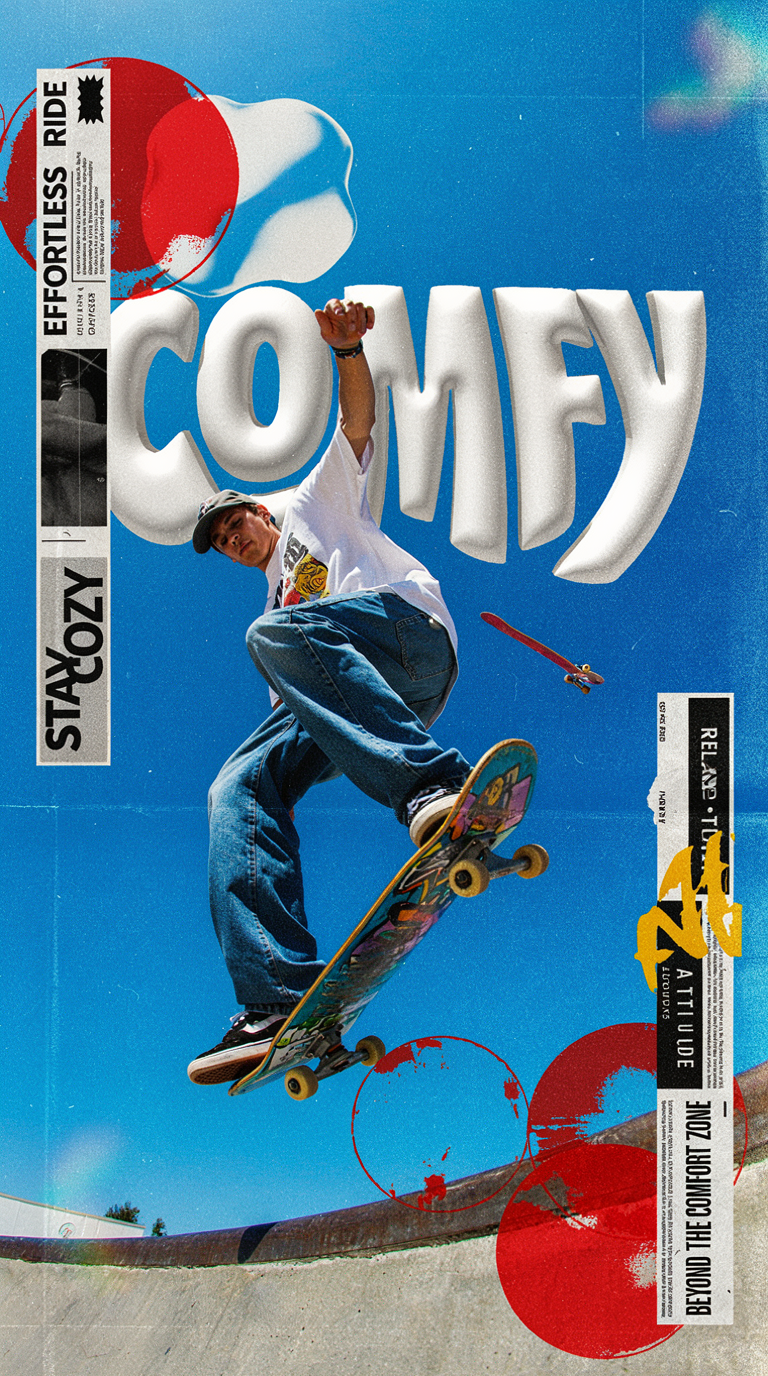
Ideogram v4: Text to Image
Googly Eyes

Seedance 2.0 - Viral Videos Character Swap


Nano Banana 2: Image Edit

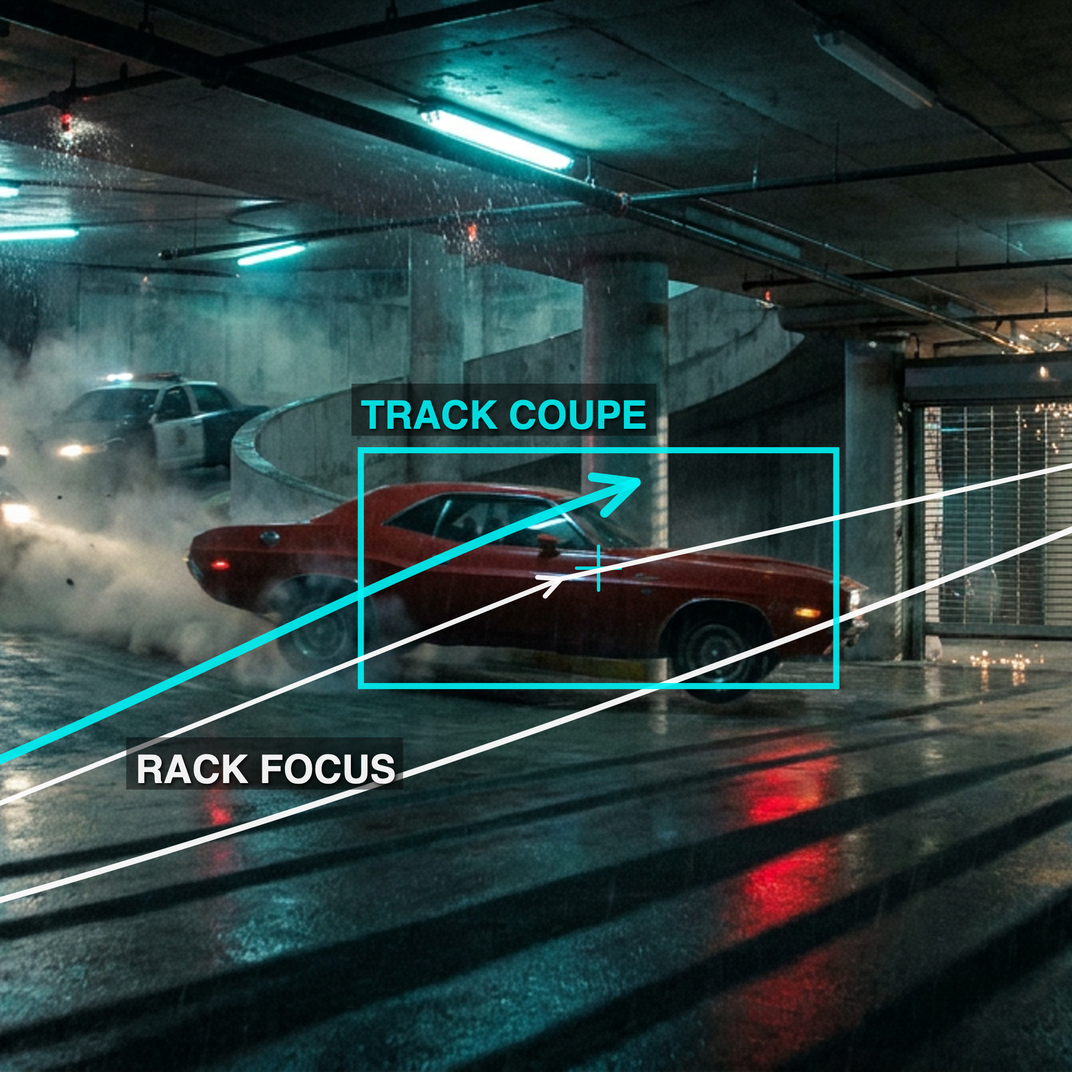
cinematic_annotate_video

Beeble SwitchX: Video Edit
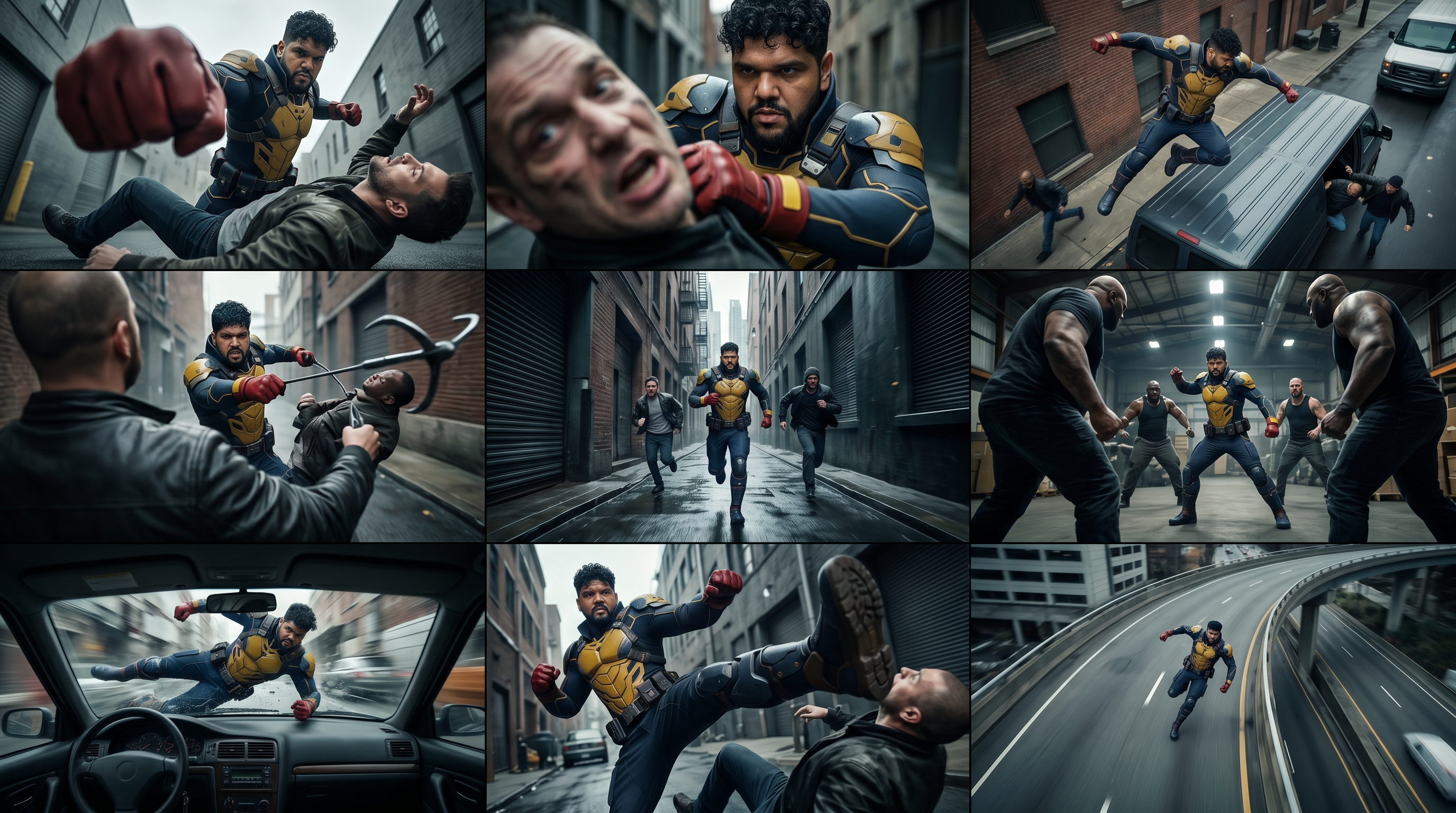
3x3 Contact Sheet

Restore Archival Footage - LTX 2.3 Dearchive LoRA
Remove Object from Video - LTX 2.3 Obscura Remova LoRA
Stylize Video - Frame by Frame - Flux.2 Klein 4b


Seedream 5.0 Lite: Image Edit

Utility Video Upscale
1 image input Split Stack - Nano Banana 2 + Kling 3.0
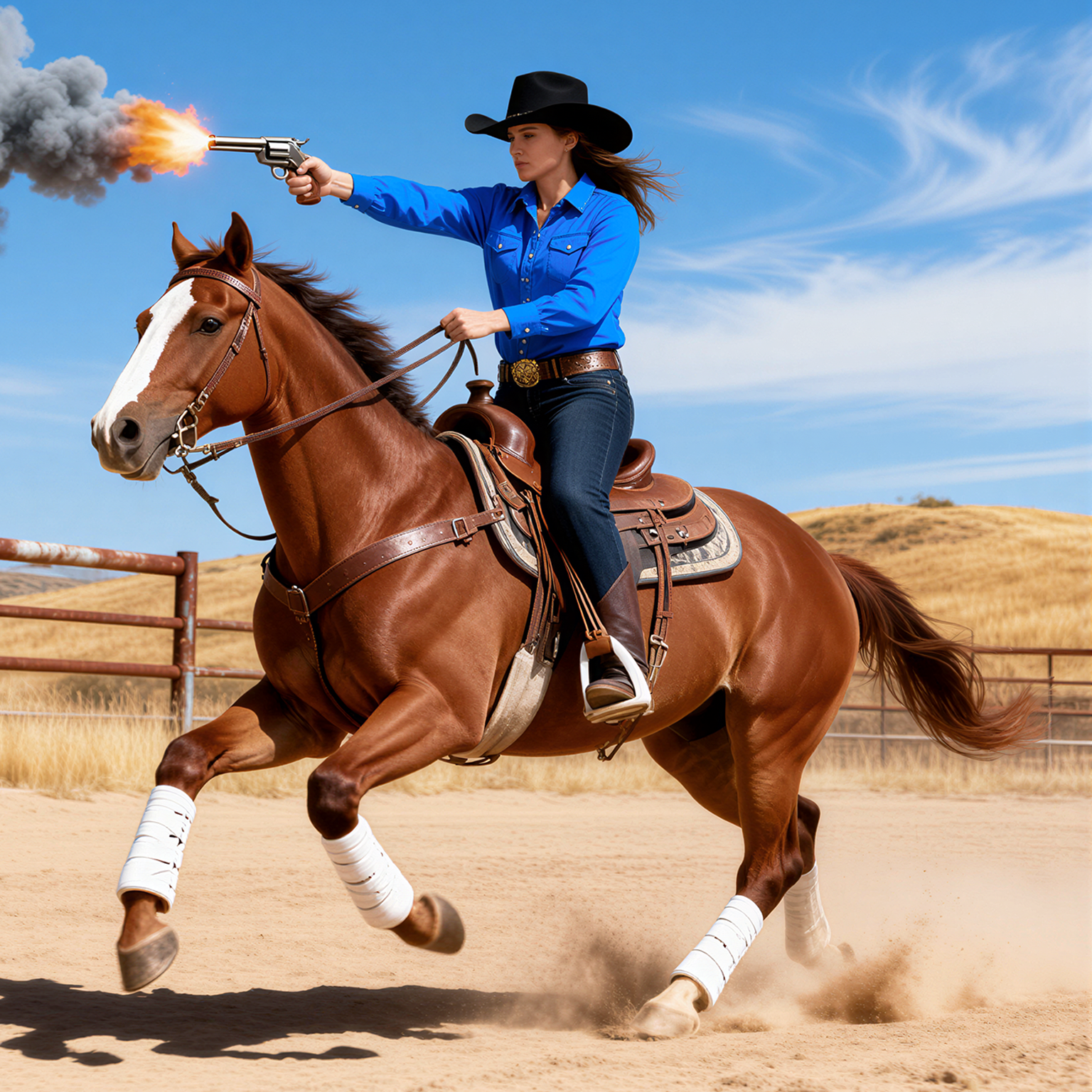
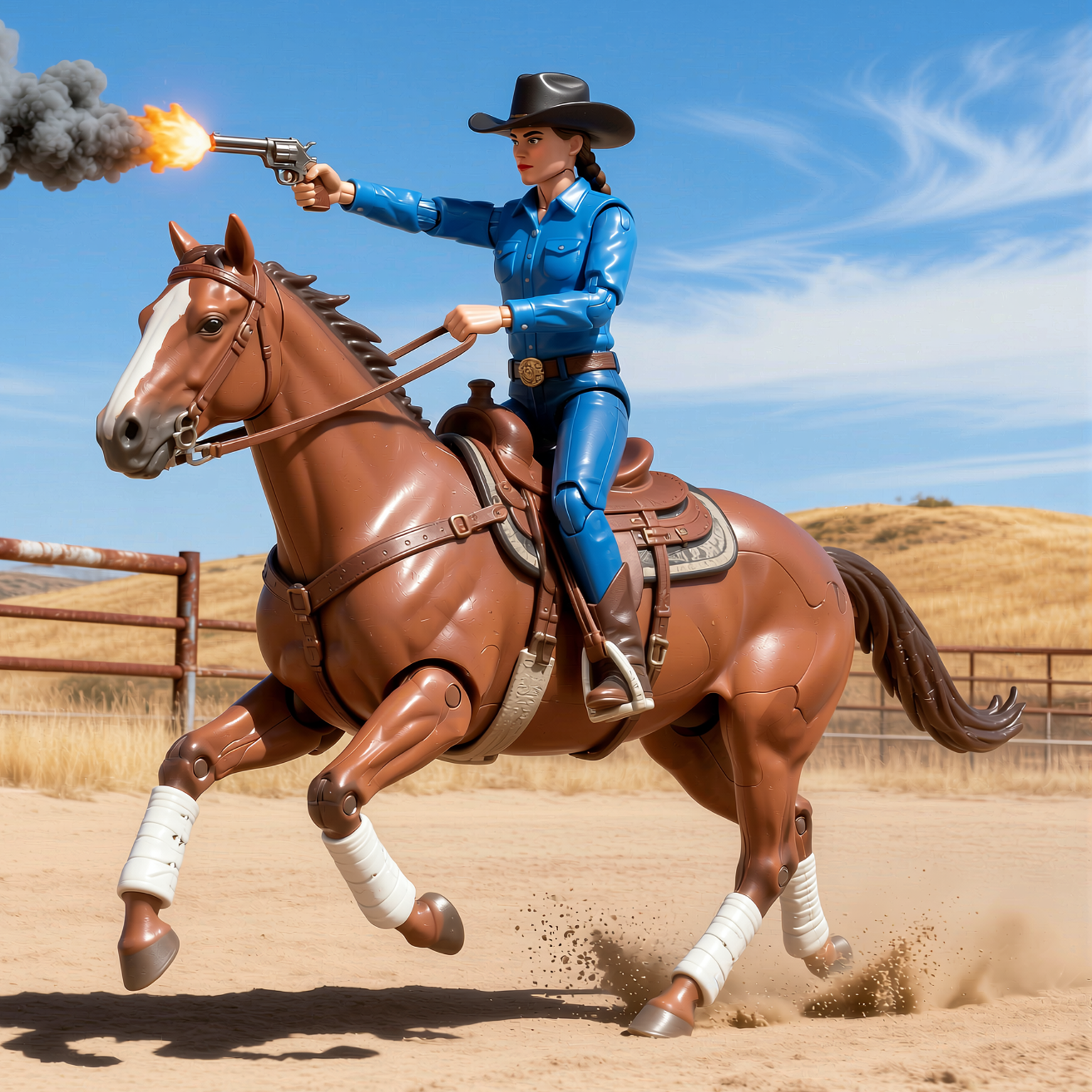
SYSTMS ACTION: QWEN IMAGE EDIT 2511
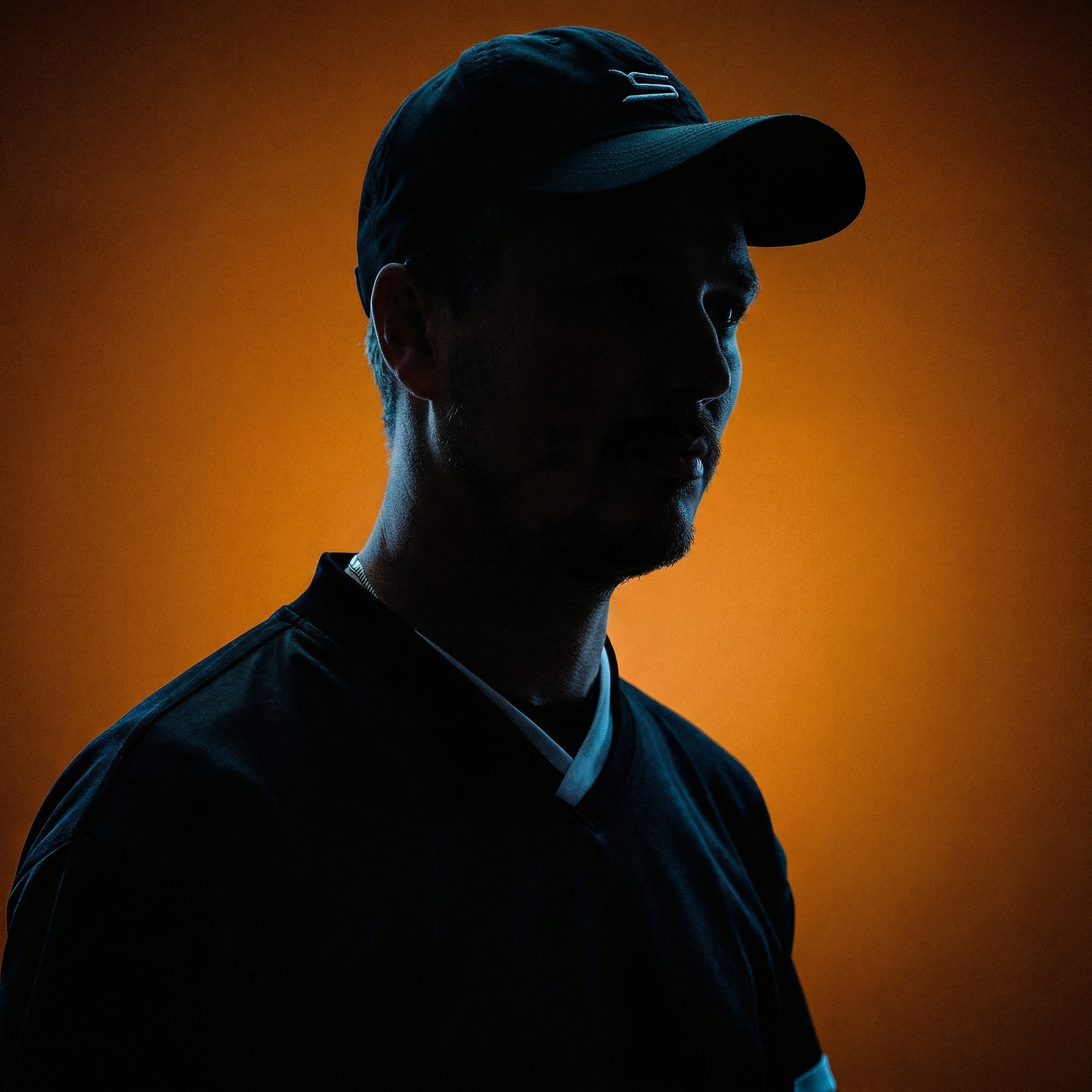
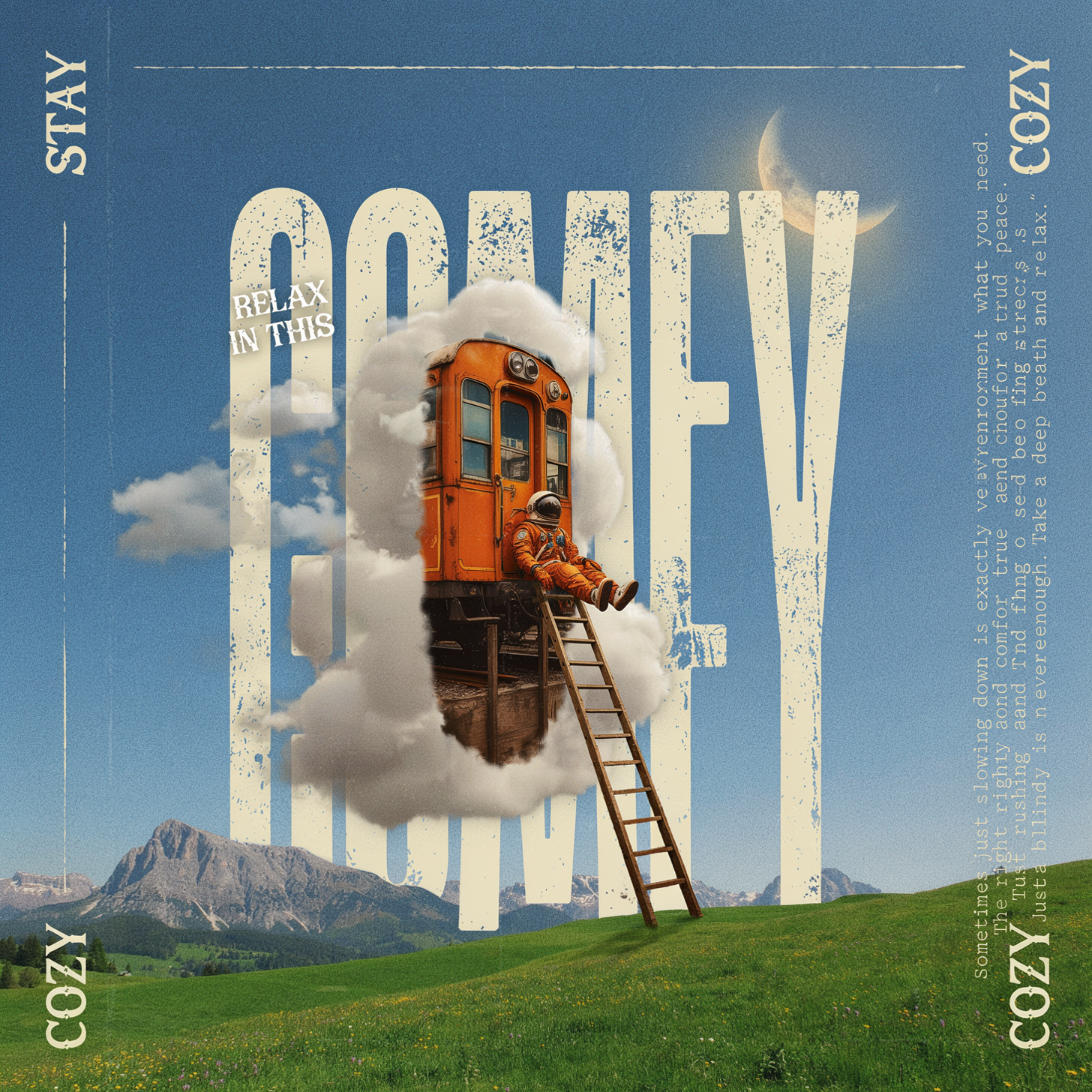
Ideogram v4: Text to Image (API)
Krea 2 Moodboards